






System Requirements
Compass Pro is delivered as a 100% SaaS platform — no servers or databases need to be installed on-site. All modules are accessed securely via modern web browsers. This drastically reduces IT overhead while ensuring continuous updates, compliance, and scalability.
Operating Systems Supported
- Windows: Windows 10, 11; Windows Server 2016+
- macOS: macOS 10.14 Mojave and later
- Linux: Ubuntu 18.04+, Debian 10+, CentOS 7+, Fedora 30+
- Mobile Devices: Android 9.0+, ChromeOS latest, iOS 13+
Browsers Supported
- Chrome (latest three versions)
- Edge (Chromium-based)
- Firefox ESR / latest
- Safari (macOS/iOS)
Internet Explorer and legacy browsers are not supported.
Tablet & Chromebook Access
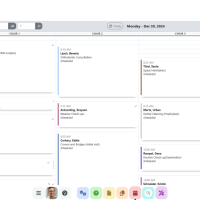
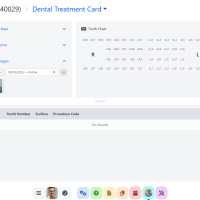
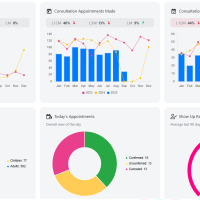
All Compass Pro modules (Patient Management, Billing, Scheduling, Analytics, Patient Portal) are available directly in the browser. Touch-friendly UI ensures smooth operation on tablets and Chromebooks.
Scanner Integration: Direct hardware scanning with Dynamic Web TWAIN requires Windows/macOS/Linux desktops with the Dynamsoft Service installed. Tablets/Chromebooks can instead:
- Use built-in cameras to capture IDs/documents.
- Upload files from network/cloud scanners.
Networking & Security
- No VPN is required (though it is supported).
- TLS 1.2+/AES-256 encryption for all traffic.
- Multi-factor authentication (MFA).
- HIPAA, PIPEDA, and GDPR compliant.
For detailed compatibility, visit our Device Compatibility Matrix.